
Working with placeholders for a module I found this documentation guide.
Walkthrough: Configure your components to use dynamic placeholders.
But I faced some issues and seems to be all due the fact, in headless all placeholders are dynamic by default. I will show you what to do to make them work, following the documentation steps.
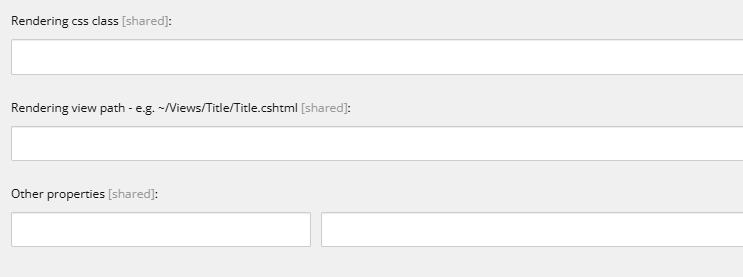
Add the IsRenderingsWithDynamicPlaceholders property to the component item.
Avoid this step. Other properties in your rendering should look like this:
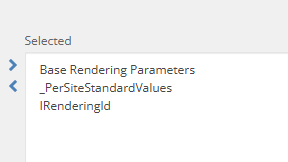
Add the IDynamicPlaceholder base template to the Rendering Parameters template of the component you are interested in.
Not needed, actually if you create the module by cloning process, it will be added by default in the container so you will have to get rid of it.
In the placeholder settings item, define the placeholder key using a wildcard.
The key should be a simple string.

Link the placeholder settings item to the component.
Follow this step as it says.
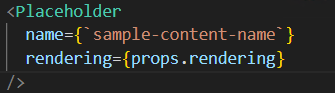
In the component TSX file, set the placeholder key value to match how it is defined in the placeholder settings item.
Use the previous name, you do not need the wildcard.
Hope this help you. If you find the corresponding documentation, please add it on the comments.
 Tech behind Marketing